

A keyword cluster helps decide which related search terms a page should address. A topic cluster organizes several related pages around a broader subject. Use the first to define an individual answer and the second to plan how distinct answers connect across your site.
Terminology varies between products. A tool may call a group a topic, cluster, subtopic, or pillar. Look at the output and the decision it supports rather than relying on the label alone.
Compare the Decisions, Not Just the Names
| Planning question | Keyword-level grouping | Topic-level organization |
|---|---|---|
| What are we deciding? | Which related queries a page can usefully answer together | Which distinct pages belong in the broader subject |
| What is the output? | A focused article or page brief | A map of pages and their relationships |
| What must be reviewed? | Intent, scope, and differences between queries | Coverage, hierarchy, useful links, and duplication |
| What is a common mistake? | Combining phrases because their wording looks similar | Creating several pages that repeat the same answer |
These are practical editorial distinctions, not ranking guarantees. A tidy diagram does not establish that search engines or AI systems will choose a page.
A SaaS Example at Both Levels
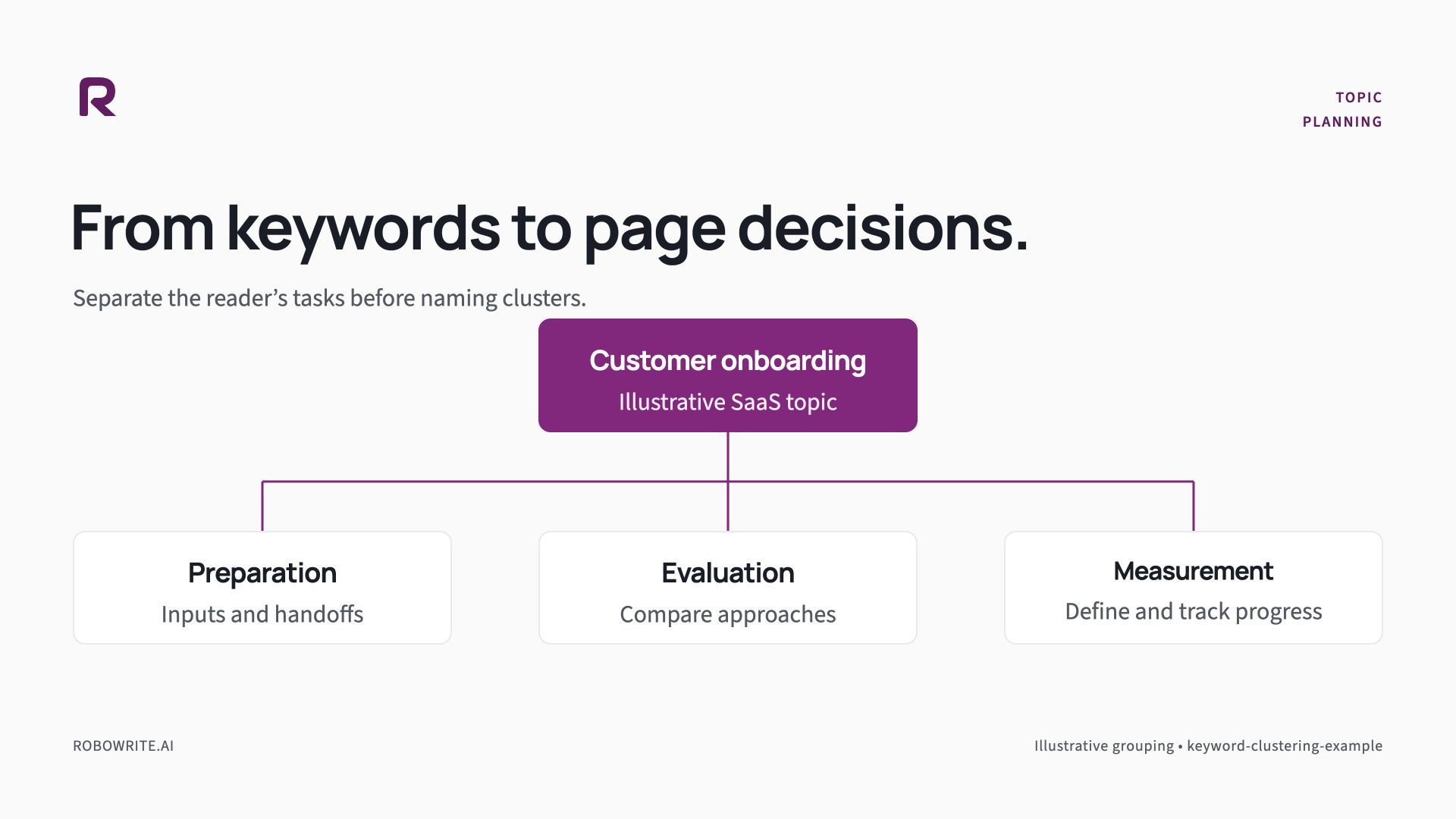
Consider customer onboarding for a small SaaS team. The following map is illustrative; it is not measured keyword research or a tested site architecture.
At the individual-page level, phrases about onboarding requirements, preparation, and handoff ownership may belong in one preparation guide. The guide's central question is what a team should confirm before onboarding starts.
At the broader topic level, that preparation guide can sit alongside other pages:
| Page | Distinct reader task | Useful relationship |
|---|---|---|
| Customer onboarding overview | Understand the process and its decisions | Introduces the focused guides |
| Preparation checklist | Gather information and assign responsibility | Links to the handoff details readers need |
| Tool-evaluation guide | Decide which product capabilities matter | Links to relevant product documentation |
| Completion and measurement guide | Define progress and review outcomes | Explains the terms used in the overview |
Each page earns its place by answering a different task. The overview should explain the landscape and help readers choose a next page. It does not need to repeat every checklist row and every evaluation criterion in full.
Decide When One Page Is Enough
Start with the reader's expected answer. If two queries ask for the same preparation checklist, a single useful page may address both. If one asks for a downloadable meeting agenda and another asks for software comparisons, combining them can make the result less useful.
Review current search results for the actual terms, but do not treat a result-page snapshot as a permanent rule. Check your own audience knowledge and the page's intended role too.
A helpful test is to write the proposed page goal in one sentence. If the sentence joins unrelated jobs with “and,” examine whether the article has become too broad. You can still cover related context, but it should serve the main decision rather than compete with it.
Build the Topic Map From Real Pages
List what already exists before planning a new hub. Include product documentation, feature pages, guides, and relevant articles. Record each URL's reader, purpose, main question, and next step.
You may find that a product page is the best destination for a setup question, while a tutorial is better for a process question. Do not create a blog post solely because every item in the map is expected to be a blog post.
For each gap, ask what original value you can supply. A worked example, a useful worksheet, a current explanation of the product, or a reproducible method can justify a page. A rewritten definition with a new keyword order may not.
Add Links Where the Reader Needs Them
Link from a broad explanation to a focused guide when the reader is ready for more detail. Link back when the broader context helps. Use wording that names the destination's task, such as a preparation checklist, rather than a generic “read more.”
Do not force every page to link to every other page in the cluster. A useful link makes the next decision easier. An unrelated evaluation link in the middle of a source-verification explanation can distract from the answer.
Google includes internal links among the fundamentals that help people and search systems find content. The editorial decision is where a particular link helps this reader; the existence of a cluster does not settle that question.
Understand the RoboWrite Handoff
RoboWrite's Keyword Strategy presents keywords grouped by content pillar and topic cluster. Article recommendations can be sent to the Topic Bank for further work. Review this organization as a starting point for the page decisions above.
The content brief then defines one assignment. A Content Kit brings together the outline, supporting claims, and selected components for that article. Those stages do not automatically create a public site hierarchy, a project calendar, or live internal links across your website.
Maintain your site map and existing-page decisions alongside the production workflow. Before drafting another recommendation, check which URL should own the answer.
Next Step
Use the worked keyword-clustering example to practice the page-level decision. Then explore RoboWrite's clustering workflow and plan the first article for your broader topic map.
Sources and Further Reading
- Semrush's keyword-clustering explanation: a vendor explanation of page-level keyword grouping and broader topic organization.
- Google's SEO Starter Guide: public guidance on useful site content and navigation.
- RoboWrite Public API guide: current workflow contracts and limits.