

Briefs & Drafting
SEO Content Brief Template: A Worked SaaS Example
Copy an SEO content brief template with a worked SaaS example. Set reader intent, coverage, sources, exclusions, article elements, and review criteria.
Copy practical planning, briefing and review templates. Adapt the fields to your team, add verified evidence and keep each client’s facts separate.
Content operations templates help a team remember the decisions that recurring work requires. Use this collection when you need a starting document for planning, briefing or handing off an article. The templates below are copyable text; they do not require a download or imply a particular software integration.
Choose the smallest template that captures the decision you need. A short correction does not need the same briefing document as a new product comparison. Keep fields that change the work, and remove fields that nobody uses.
Illustrative entry: “Reader: SaaS content lead. Question: Who approves a draft when the main editor is away? Existing coverage: editorial workflow guide. Action: improve its escalation section. Evidence owner: managing editor. Next step: assign a backup reviewer.”
For the approval topic, acceptance might be: “A reader can identify the primary reviewer, backup reviewer and escalation deadline.” That is more actionable than “write an engaging article.”
An approved draft and a published page are different states. Leave the release evidence empty while the item is awaiting publication; do not fill it with a planned URL and treat that as proof.
Test a template on one real assignment before spreading it across the team. Note which fields prevented confusion and which were routinely ignored. Agencies can reuse the structure while maintaining separate client evidence, terminology and approval rules. Version the master template so changes do not silently alter work already under review.
Browse the related resources below for fuller examples. Choose a workflow category when you need an explanation of the process behind a template.
The starter templates on this page are copyable text. Linked resources may offer their own formats; use the format actually provided rather than assuming a download exists.
Reuse the structure where it fits, but replace the facts, sources, terminology, permissions and approval rules for each client. Never carry a previous client’s claims into a new assignment.
Copy an SEO content brief template with a worked SaaS example. Set reader intent, coverage, sources, exclusions, article elements, and review criteria.
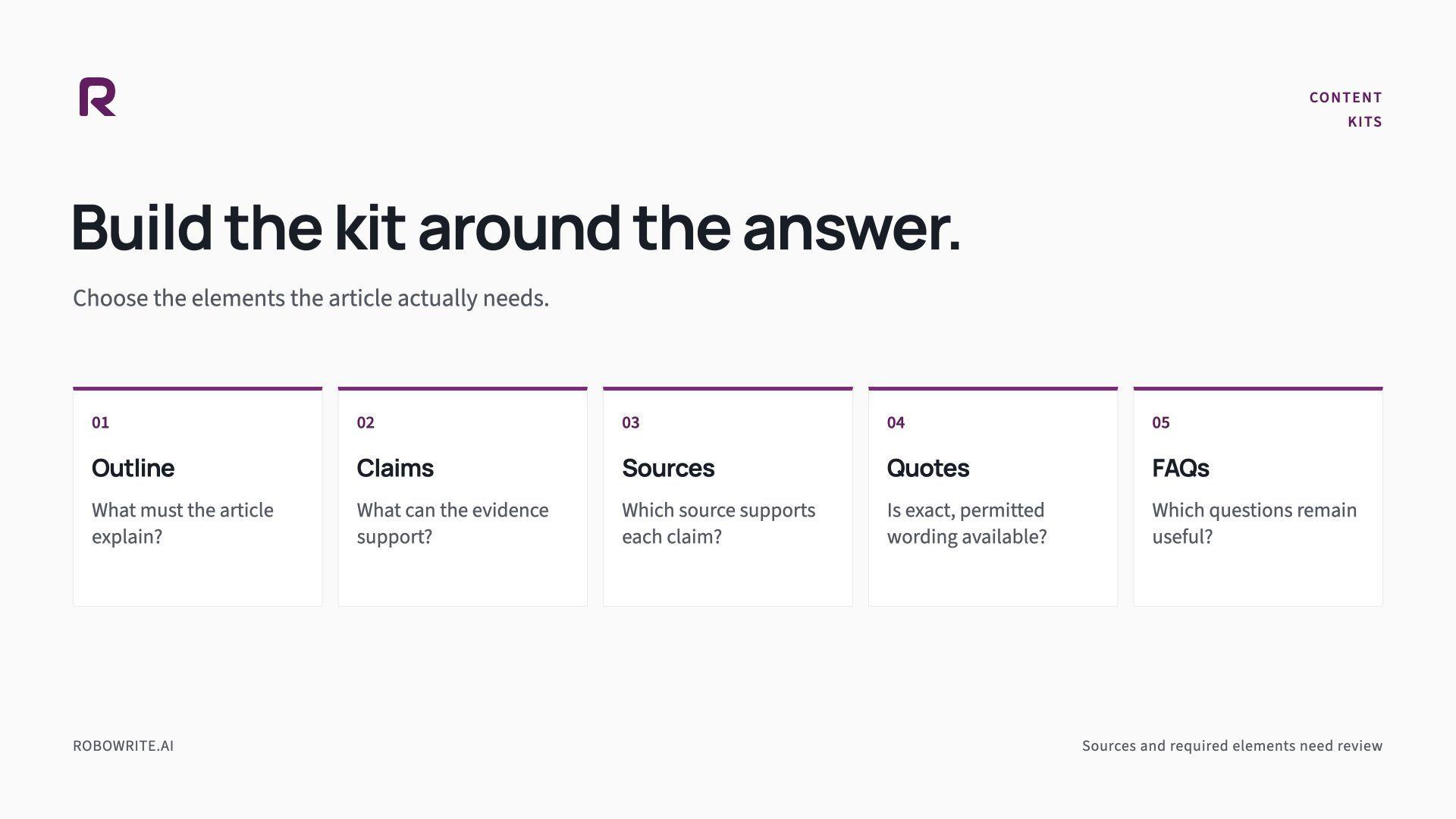
Turn a written SEO brief into Content Kit requirements. Separate coverage, facts, sources, quotes, FAQs, and review decisions before drafting.
Build a B2B SaaS content calendar with a copyable template, a worked weekly example, keyword clusters, Content Kits, and clear review owners.

A practical editorial workflow has four stages: brief, draft, review, and publish. Each stage needs an owner, a time box, and a clear definition of done. This guide describes a process marketing teams can run every week without inventing a new process for

A short blog post works best when it answers one clear question. Five hundred words is a useful editing constraint for a focused topic; it is not a search-ranking requirement. If the reader needs a detailed comparison or a complex procedure, choose a longer format.

A portfolio page should help a prospective client recognize a problem you can solve. Screenshots alone rarely explain the assignment, your role or the result. Build each project page around the decision a buyer needs to make: is this team a credible fit for my work?