
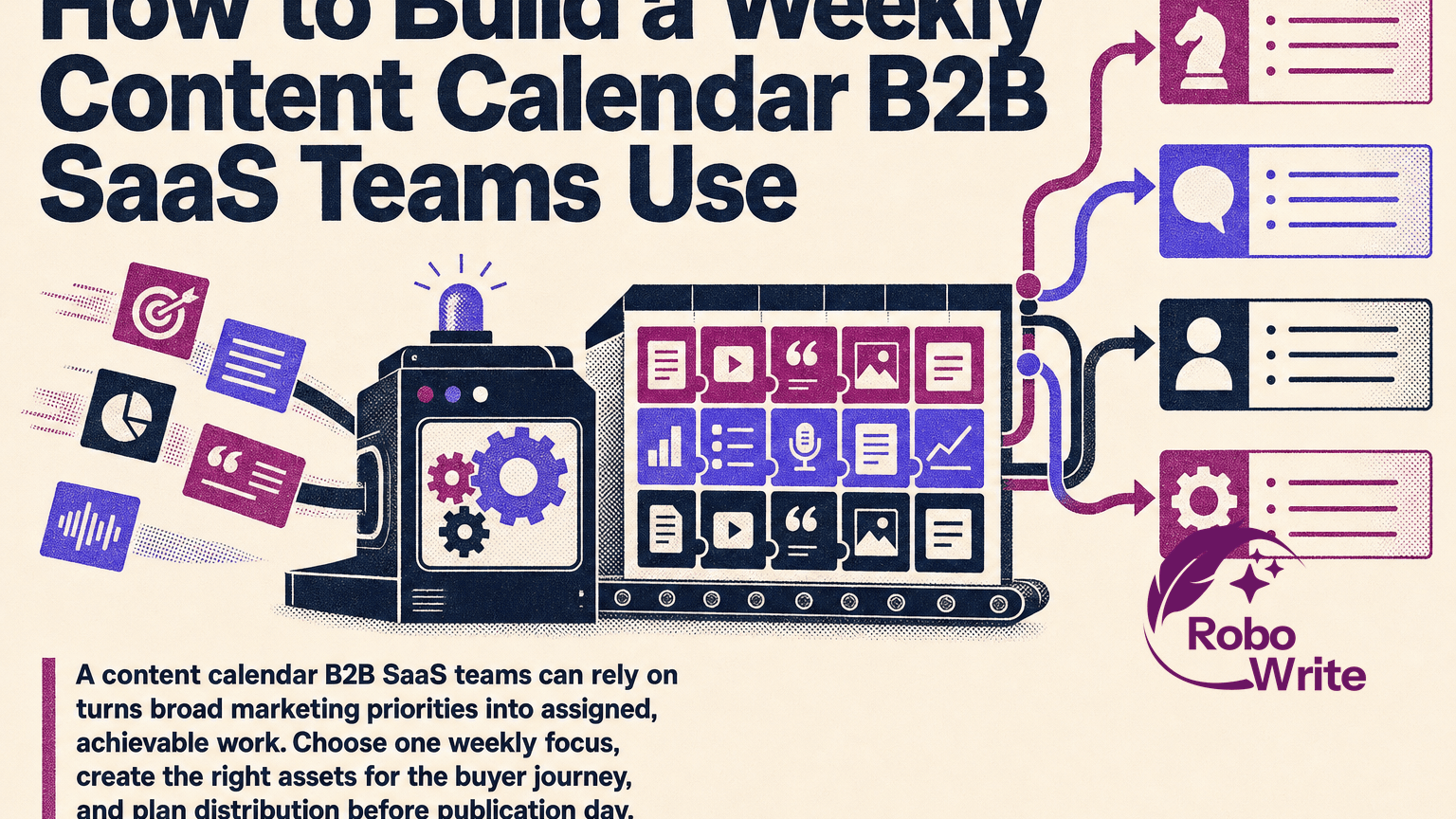
A content calendar B2B SaaS teams can rely on turns broad marketing priorities into assigned, achievable work. Choose one weekly focus, create the right assets for the buyer journey, and plan distribution before publication day. The result is a manageable system for coordinated blog, email, social, website, and sales content—not a list of disconnected posts.
Why B2B SaaS Teams Need a Weekly Content Calendar
A calendar should guide decisions, not merely record dates. A useful one connects each asset to an audience, business priority, owner, channel, and measure of success. That makes it a practical operating tool for content marketing.
B2B SaaS buyers often research independently, compare options, and involve several people before moving forward. Content therefore needs to answer different questions across a longer journey rather than repeat a single awareness-stage message. Content can help generate B2B SaaS leads, but its funnel and buyer journey differ from B2C as this B2B discussion notes.
For lean teams coordinating limited writing, product input, reviews, and distribution capacity, a weekly cadence bridges quarterly campaigns and daily production. In one short planning session, the team can confirm what matters now, decide what can realistically ship, and surface dependencies before they become delays.
Set a Weekly Content Focus Around Business Goals and Buyer Needs
Start with one focused idea for the week. It might support a product update, a sales objection, a customer pain point, a seasonal planning moment, or a topic cluster. Do not begin with empty channel slots that need filling.
First, review quarterly priorities and active campaigns. Then choose a weekly angle that advances one of them. Planning a few strategic themes around business goals gives individual posts a shared direction as one B2B calendar practitioner recommends.
For every focus, answer four questions:
- Who needs this? Name a role, segment, or buying-committee member.
- What problem or question do they have? Use language from customer calls, sales conversations, or search research.
- Where are they in the journey? Assign awareness, consideration, or decision.
- What should the content accomplish? Choose one primary goal: awareness, lead capture, product education, retention, or pipeline support.
For example, a workflow software company might use “reduce approval bottlenecks” as its weekly focus. A practical blog can teach the problem, an email can share the framework, social posts can isolate useful tips, and a website update can clarify the related use case.
This approach avoids random topic selection. Mapping content to buyer stages and topical clusters helps you serve the full journey instead of merely scheduling posts.
Include These Fields in a B2B SaaS Content Calendar
A content calendar B2B SaaS teams can maintain needs enough detail for clean handoffs, while staying quick to update. Use a shared spreadsheet, project board, or workspace, with one row or card per asset.
| Field | What to record |
|---|---|
| Working title and format | The draft idea and asset type: blog, email, social post, landing-page section, case study, or sales one-pager |
| Audience and funnel stage | The role you are addressing and whether the asset supports awareness, consideration, or decision |
| Core message and keyword | The single takeaway and, where relevant, the search term or topic cluster |
| Channel and CTA destination | Where it appears and the next relevant page, resource, or conversation |
| Campaign and success metric | The initiative it supports and one intended outcome, such as qualified visits, clicks, replies, sign-ups, or influenced opportunities |
| Owner and contributors | Writer, editor, designer, reviewer, and channel owner |
| Internal deadlines | Brief, first draft, review, approval, scheduling, and publish dates |
| Status and links | Planned, in progress, in review, approved, scheduled, or published; include draft and live URLs |
| Distribution tasks | Repurposing tasks, publishing responsibilities, tracking links, and follow-up dates |
These fields reflect the essentials in a SaaS editorial-calendar template, including format, topic cluster, status, writer, persona, funnel stage, CTA, and URLs.
If you are looking for a free content calendar for B2B SaaS, copy this structure into a basic spreadsheet. Skip fields you will not use. Consistent updates matter more than a complicated dashboard.
Build Your Weekly Content Calendar in 6 Steps
-
Review what the business needs now. Before choosing topics, check campaign goals, product milestones, sales questions, customer feedback, planned events, and the previous week’s results. Product, sales, and customer-success input can reveal what prospects need next. Aligning content to launches and business cycles keeps the plan relevant when you map topics to active priorities.
-
Select the core asset and supporting work. Choose one substantial asset your lean team can complete well, then assign only the supporting work it can distribute. That may mean one blog post, one email, three social posts, a website-message update, and a sales summary. The different types of content marketing have different production demands, so do not commit to every format every week.
-
Define the audience, message, and outcome. Write a one-sentence brief: “Help [audience] solve [problem] by explaining [approach], then guide them to [next step].” Add the funnel stage and one metric. A calendar that tracks outcomes and ownership has more strategic value than one that only tracks publication according to this SaaS calendar framework.
-
Map the channel plan. Decide what each channel contributes. The blog may explain the full framework; the email can introduce one implication and link to it; social can turn key points into a carousel, short posts, or a customer-proof angle; and the website can reinforce the relevant use case or CTA.
-
Work backward from publication. Set the live date first, then add deadlines for the brief, draft, editing, design, approval, scheduling, and distribution. Include buffer time for product or subject-matter-expert feedback. Production timelines should account for writing, design, review cycles, and approval chains before you commit to publication.
-
Hold a short planning check-in. Meet weekly with the people who create, approve, and distribute content. Confirm responsibilities, resolve dependencies, and remove work that no longer supports the focus. End with every task assigned and dated.
Organize the Calendar by Channel, Owner, and Workflow Status
Keep one visible source of truth that people can filter by week, campaign, channel, owner, persona, or status. A channel view helps distribution owners see their work; an owner view helps contributors protect time; and a campaign view shows whether assets reinforce the same message.
Separate internal deadlines from the live date. A Thursday blog publication may require a Monday draft, Tuesday edit, and Wednesday approval. Treating all work as due on Thursday hides the review time that determines whether the post launches on schedule.
Use a small, consistent status set:
- Planned: The brief and business purpose are agreed.
- In progress: A contributor is creating the asset.
- In review: An editor, subject-matter expert, or approver needs to respond.
- Approved: The asset is ready to schedule or publish.
- Scheduled: It has a confirmed publish time.
- Published: It is live and ready for distribution tracking.
Clear statuses, named owners, and draft links are standard fields in practical editorial calendar guidance. Keep the labels stable so a lean team can spot blocked work without decoding each card.
Repurpose One Core Idea Across Blog, Email, Social, and Sales Enablement
Anchor the week around one central idea, then adapt it to each channel. This creates a coherent message and prevents limited writers and reviewers from having to invent a new topic for every post.
Here is a workable weekly example for the focus, “reduce approval bottlenecks”:
| Channel | Asset | Purpose | Owner |
|---|---|---|---|
| Blog | “How to Reduce Content Approval Bottlenecks” | Teach a practical process to awareness-stage readers | Content writer |
| A three-step approval checklist | Send engaged subscribers to the full guide | Lifecycle marketer | |
| Social | Three tips, one carousel, and a discussion question | Build reach and start relevant conversations | Social owner |
| Website | A use-case paragraph on streamlined approvals | Give visitors consistent product context | Web owner |
| Sales enablement | A one-page checklist | Help sales follow up on the same problem | Sales enablement owner |
Keep the message consistent: unclear ownership slows approvals. Change the depth, format, and CTA for the channel. Your social media calendar for B2B SaaS, for example, can schedule excerpts and discussion prompts that lead back to the blog rather than treating social as a separate campaign.
Bring in proof where it helps. B2B audiences often look for evidence that peers receive value, making customer stories and social proof useful considerations in SaaS content. Use a case study when it addresses a buyer’s risk, result, or implementation concern—not simply to fill a format slot.
Plan distribution alongside creation: assign who posts, who adds internal links, who shares the asset with sales, and when the team will resurface it. Sales enablement belongs in the calendar because it can support the buying process alongside public-facing content when mapped intentionally.
Review Performance and Improve the Next Week’s Plan
Review the calendar after publication, not just before it. Track execution signals such as on-time publication, review delays, and time from brief to live asset. Then track business signals that fit the original goal: qualified visits, email clicks, conversion actions, sales feedback, or pipeline influence.
Ask three practical questions:
- Did the asset reach the intended audience through the intended channel?
- Did the format help the buyer take the intended next step?
- What should the team repeat, change, or stop next week?
Content fatigue, changing expectations, and channel shifts can affect results. Regular review helps you adjust topics, formats, and distribution while keeping business priorities central as B2B calendar guidance advises.
Turn the Weekly Calendar Into a Scalable Content Operating System
A repeatable weekly calendar gives content calendar B2B SaaS teams a stable foundation as campaigns and channel mix grow. Start simple: one shared template, clear naming rules, an agreed review path, and a short retrospective. Add complexity only when it solves a recurring problem.
AI-assisted drafting can help a lean team turn an approved brief into channel-specific starting points for a blog, email, social captions, and website copy. Keep human review in the workflow: verify product details, add customer context, check claims, and approve final copy. AI can support idea generation and content analysis, but it should not replace human judgment in calendar planning.
Leave room for timely opportunities, such as a product announcement or useful sales insight, while protecting the weekly focus. The strongest system is one the team actually maintains: every asset has a purpose, channels reinforce one idea, and results shape the next plan.
Sources
- Ecommerce content marketing vs SaaS Content Marketing — https
://community.hubspot.com/t/ecommerce-content-marketing-vs-saas-content-marketing/123171 - How I build monthly B2B content calendars for my clients. | Janey W. — https
://linkedin.com/posts/janey-wong-social-media-strategist-content-creator_how-i-build-monthly-b2b-content-calendars-activity-7302674824244469762-lwou - How to Build a B2B SaaS Content Calendar Driving Pipeline — https
://lymlyt.pro/blog/b2b-saas-content-calendar - Free SaaS Content Calendar Template — https
://kalungi.com/blog/easy-to-use-content-calendar-template - How to Build a B2B Content Calendar That Drives Pipeline — https
://pipeline.zoominfo.com/marketing/b2b-content-calendar - Role Of Content Marketing In SaaS - Study Group — https
://community.hubspot.com/t/role-of-content-marketing-in-saas/60471 - Beyond Inspiration: The New B2B Tech Content Calendar Guide — https
://todaydigital.com/blog/beyond-inspiration-the-new-b2b-tech-content-calendar-guide